
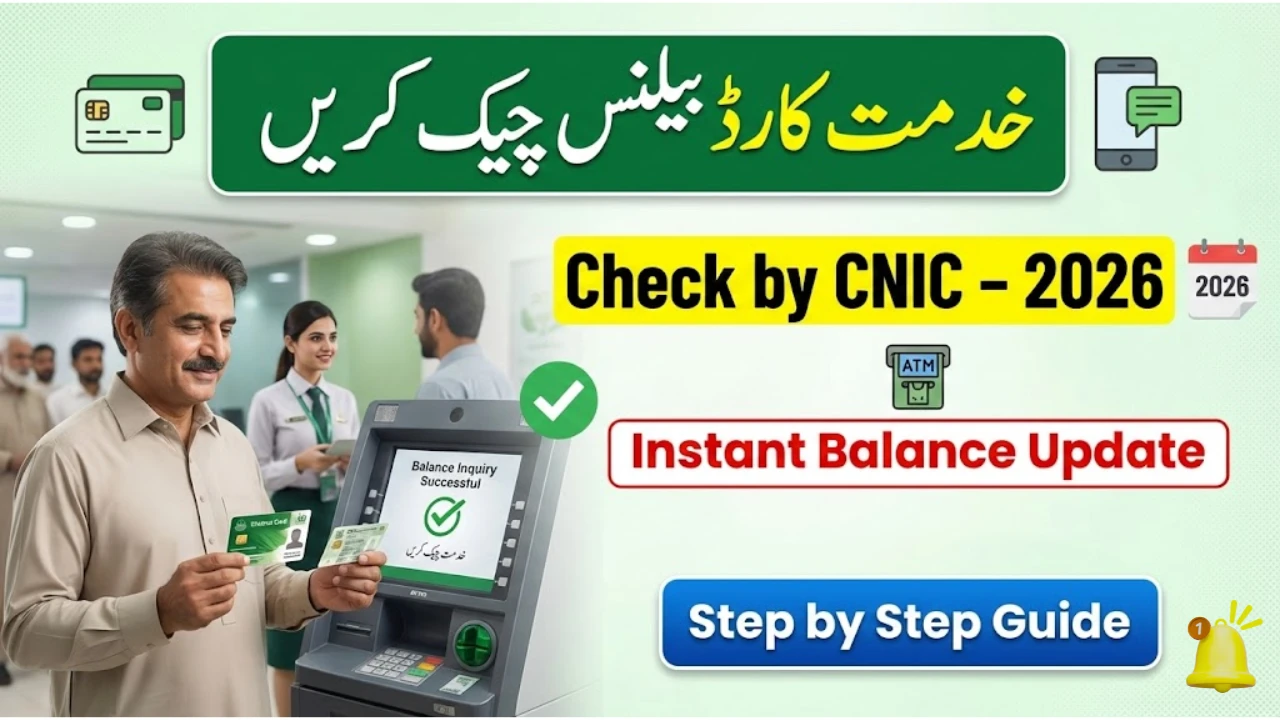
Punjab Social Protection Authority (PSPA) – CM Khidmat Card Balance Check Guide 2026
 Google News
The CM Khidmat Card continues to serve as a major welfare lifeline for vulnerable households across Punjab in 2026. Beneficiaries can receive financial assistance, access health coverage, and use ATM-enabled services for transparent cash withdrawals.
If you want to check your Khidmat Card account balance by CNIC, this updated guide explains eligibility, application, verification, and all available balance-check methods in simple language.
What is the CM Khidmat Card?
The program is supervised by the Punjab Social Protection Authority to make sure aid reaches deserving people fairly. The card works like a debit/ATM card. Funds are transferred digitally, and beneficiaries withdraw money without middlemen.
It is mainly designed for:
-
Widows
-
Persons with disabilities
-
Orphans
-
Extremely low-income families
What’s New in 2026?
Authorities have introduced improvements to make the system faster and more transparent:

✔️ ATM-enabled withdrawals
✔️ Digital CNIC verification
✔️ Quarterly payments
✔️ Priority inclusion of widows & disabled persons
✔️ Health coverage linkage with Sehat Sahulat Program
Eligibility Criteria for Khidmat Card 2026
To qualify, applicants must meet government rules.
| Requirement | Details |
|---|---|
| Residency | Permanent resident of Punjab |
| CNIC | Valid and verified |
| Income | Less than Rs. 25,000 per month |
| Priority | Widows, orphans, disabled persons |
| Other Programs | Families in Benazir Income Support Programme or Ehsaas Program may also qualify |
Documents Required
Keep these ready before applying:
-
Original CNIC
-
Family Registration Certificate
-
Income proof or affidavit
-
Disability certificate (if applicable)
-
Husband’s death certificate (for widows)
How to Apply for CM Khidmat Card in 2026
The process is straightforward.
Step 1 – Eligibility Check
Your data is reviewed through NADRA & PSPA records.
Step 2 – Apply
Submit the form online or visit your nearest Khidmat Markaz.
Step 3 – Provide Information
CNIC, income, family size, disability status.
Step 4 – Verification
Authorities confirm details digitally.
Step 5 – Card Collection
You receive an SMS once approved.
How to Check CM Khidmat Card Account Balance by CNIC
This is the part most beneficiaries ask about.
1) ATM Method
Insert card → Enter PIN → Balance Inquiry → Amount appears instantly.
2) SMS Alerts
You receive automatic messages for every payment and deduction.
3) Bank Helpline
Call the partner bank connected to your card.
Helpline & Support
If you face deduction issues, biometric problems, or delays:
📞 PSPA Helpline: 042-111-333-267
🏢 Visit the nearest Khidmat Markaz in your district.
Key Benefits of the Program
Beyond cash aid, the Khidmat Card opens doors to multiple protections.
-
Direct financial transfers
-
Free or subsidized treatment under Sehat Sahulat Program
-
Educational assistance for children
-
Skill development opportunities
-
Extra disability support
Problems People Still Face
Despite upgrades, some challenges continue:
-
Data mismatch with NADRA
-
Rural awareness gaps
-
Occasional online portal errors
Government teams are working to expand coverage and speed up verification.
FAQs
How do I check my balance?
ATM, SMS, or bank helpline.
Who qualifies in 2026?
Low-income Punjab residents, especially widows and disabled persons.
Can I apply online?
Yes, through the PSPA portal.
Is health coverage included?
Yes, via Sehat Sahulat.
Conclusion
The CM Khidmat Card system in 2026 is more digital, transparent, and user-friendly than before. With ATM access, SMS alerts, and centralized verification by the Punjab Social Protection Authority, beneficiaries can easily confirm payments and receive support without hassle.
If you are eligible, keeping your CNIC information accurate is the fastest way to ensure uninterrupted assistance.